AI Image Editor Free Online
Edit, transform and enhance photos with text prompt
We accept JPEG, PNG or WEBP formats up to 24MB


Created With PhotoEditorAI
Emotional, share-ready images generated in seconds.
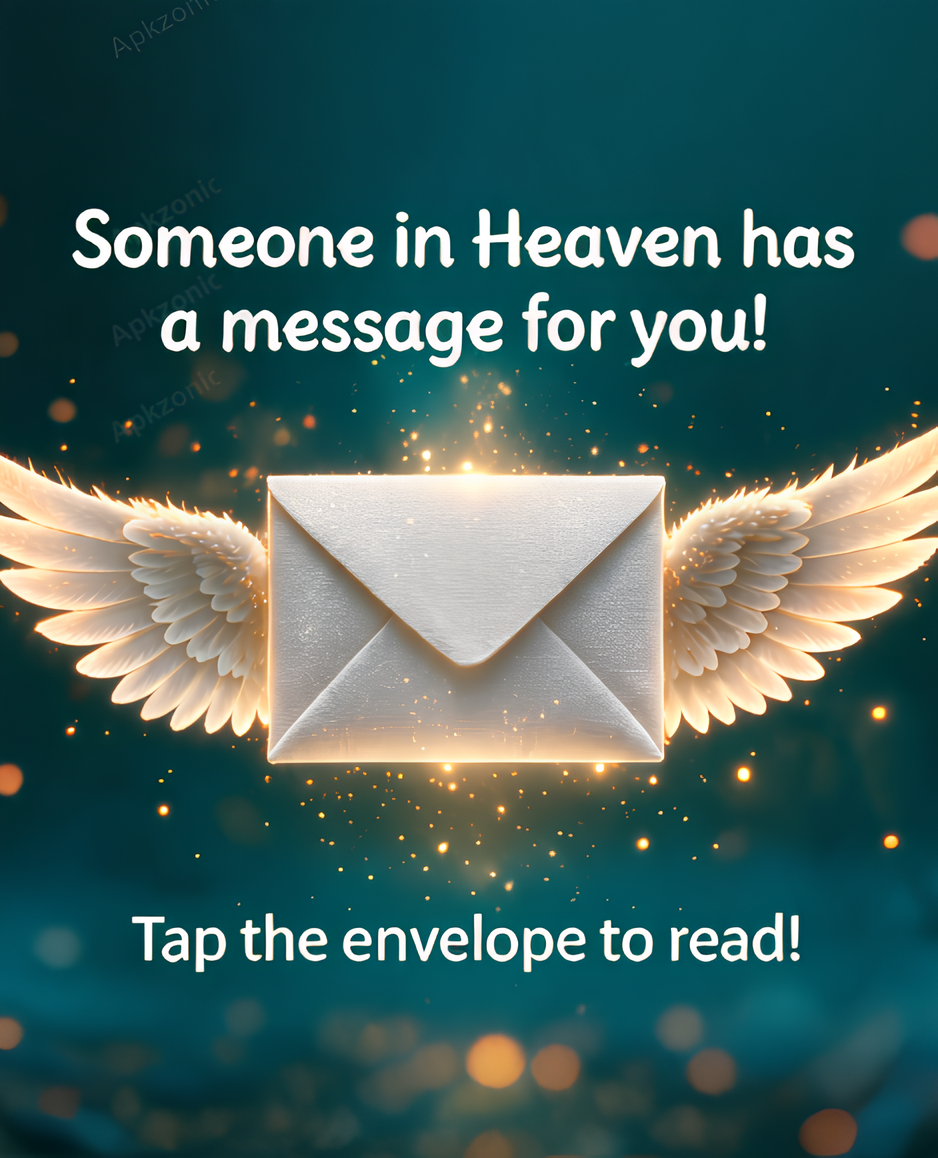
Winged Envelope
A glowing envelope with angel wings, made with our AI image generator.

Heart Frame Memories
Turn a couple photo into a heavenly heart-framed card with roses and butterflies.
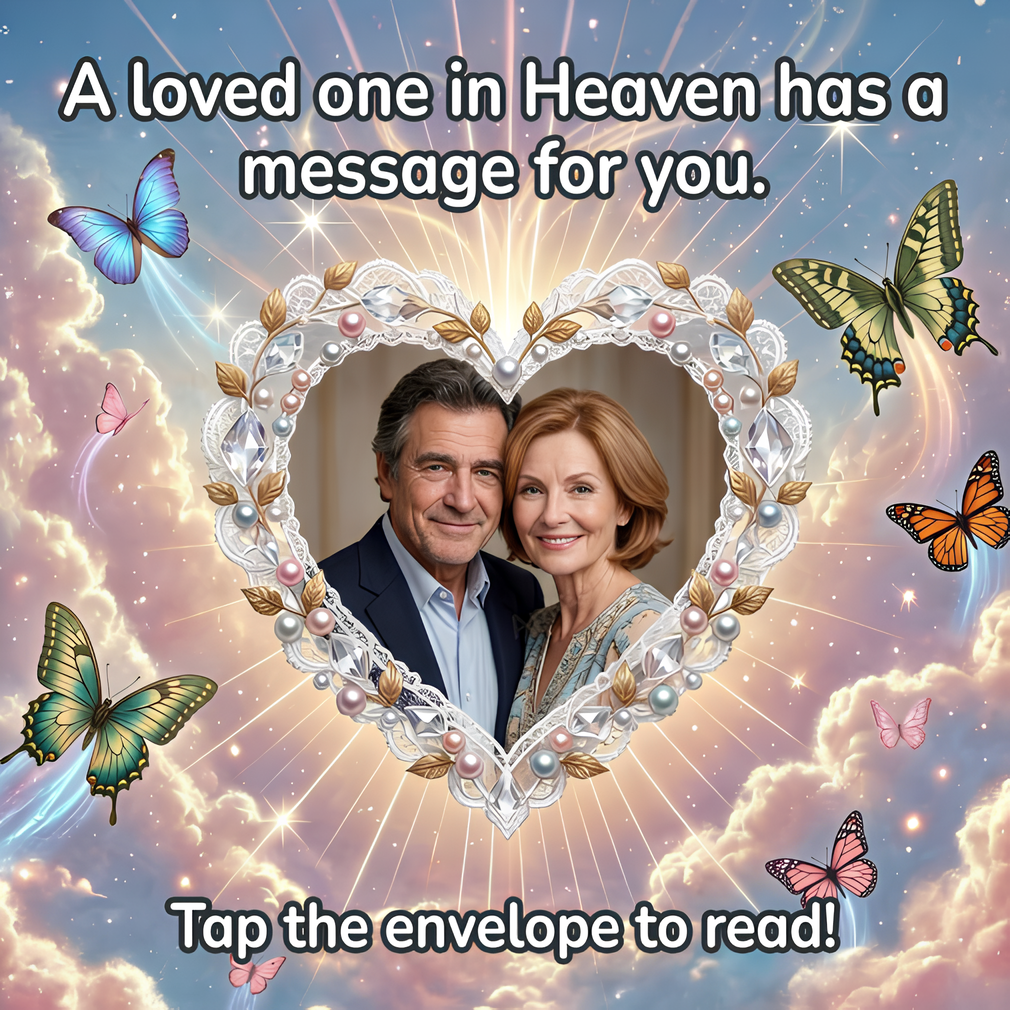
Message From Heaven
Pearl and crystal heart frame on a dreamy sky — perfect for tribute posts.

Angel Pet Tribute
Honor a beloved pet with a touching angel-winged portrait.
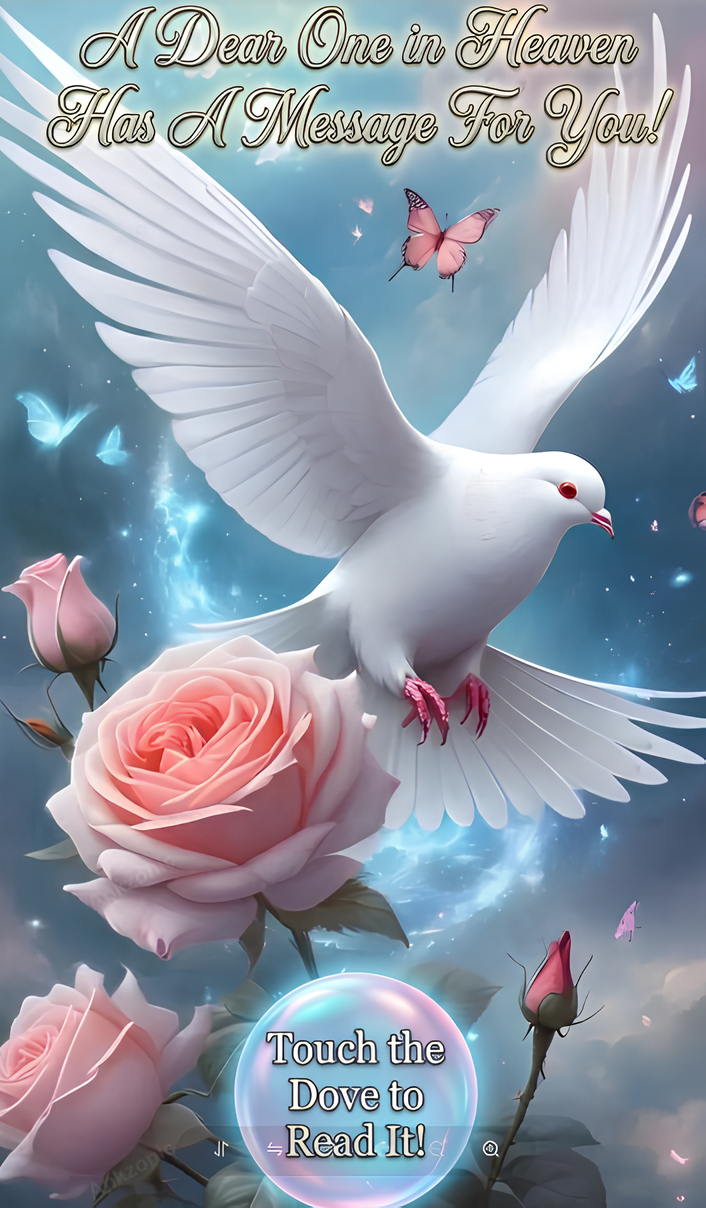
Dove & Roses
A white dove flying over pink roses, created from a single text prompt.
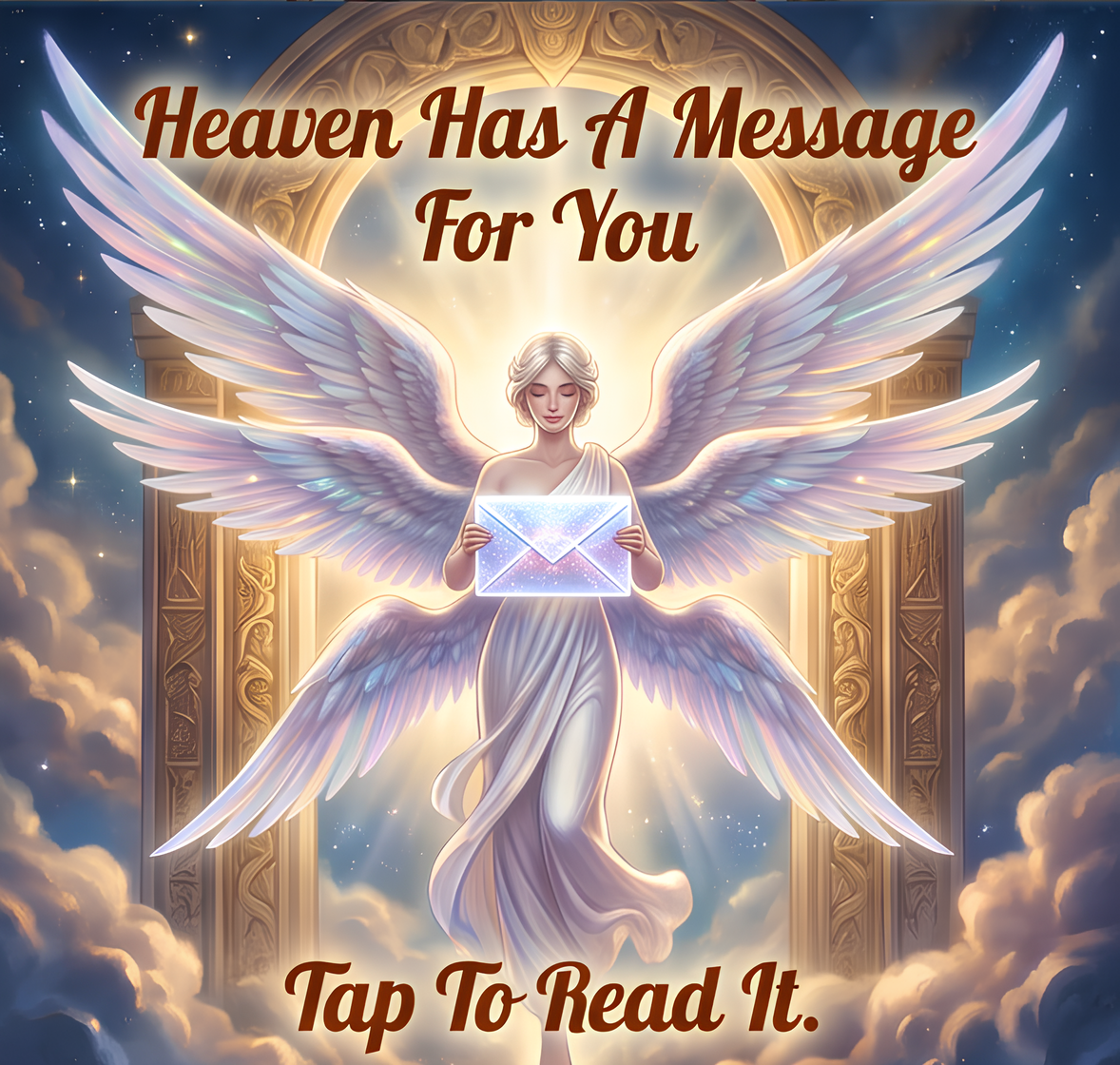
Heavenly Angel
A majestic angel holding a glowing letter in front of golden heaven gates.
Key Features of Our Free AI Photo Editor
Consistent Characters Across Every Scene
Our AI photo editor guarantees character consistency, keeping faces, proportions, and styles uniform across different poses, outfits, or backgrounds. This makes it the best AI photo editor for storytelling, branding, and creative projects that require visual continuity.
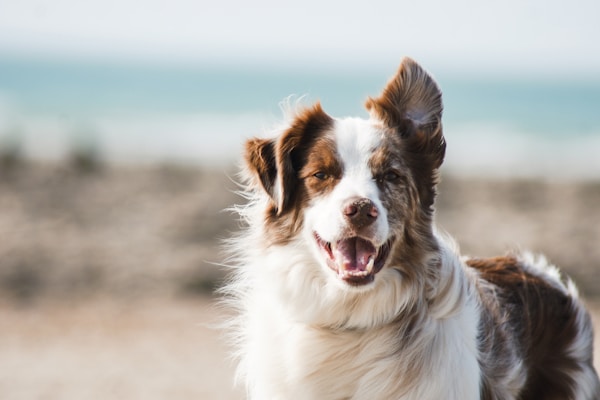
Precision Editing for Targeted Adjustments
With precision editing, you can refine specific regions such as eyes, skies, or logos without affecting the rest of the image. The free AI photo editor delivers pixel-level accuracy, making professional-quality changes simple for both beginners and experts.

Seamless Text Editing Inside Photos
Our AI photo editor online free makes text editing effortless. Add or remove captions, watermarks, or brand logos, and the AI blends them naturally into the image. Perfect for e-commerce listings, marketing visuals, and social media content.

Creative Style Transfer with AI
Unlock new design possibilities with style transfer. Upload a reference image and let the AI photo editor recreate your photo with matching colors, textures, and artistic tones—all while preserving important details. This feature turns the free AI photo editor into a powerful tool for designers and creators.

Background Replacement & Perfect Scene Creation
Easily replace or remove photo backgrounds with our AI photo editor online free. Create the perfect scene for products, portraits, or social media posts in seconds. Whether you need a clean white background for e-commerce or a creative setting for content, the best AI photo editor makes background editing effortless and professional.

Use Cases of AI Photo Editor
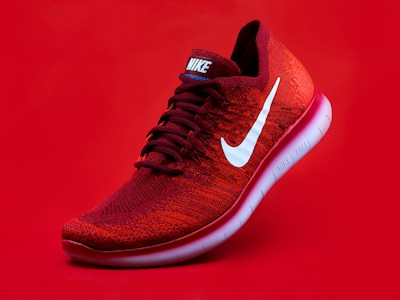
E-commerce & Online Stores
Sellers use our AI photo editor to create professional product photos by removing messy backgrounds, enhancing colors, and ensuring every listing looks consistent. A clean product photo made with the best AI photo editor increases trust and boosts conversion rates on platforms like Amazon, Shopify, and Etsy.

Social Media & Content Creators
Creators rely on our AI photo editor online free to generate scroll-stopping visuals for Instagram, TikTok, YouTube, and blogs. With style transfers, background edits, and filters, you can transform casual shots into polished posts that match your personal or brand identity.
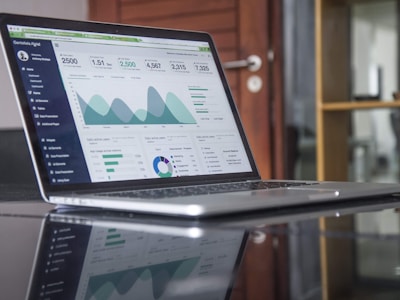
Professional Marketing & Branding
Marketers save hours with the AI photo editor by quickly producing ad creatives, banners, and campaign visuals. Instead of outsourcing or spending on complex software, you get high-quality branded content instantly, scaled across multiple campaigns.
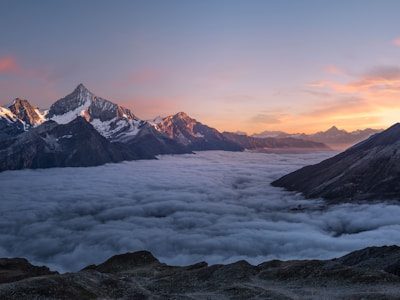
Photography & Personal Use
From retouching portraits to restoring old images, our free AI photo editor empowers everyone to edit like a professional. Fix lighting, remove blemishes, or enhance travel photos—perfect for personal albums or sharing online.
Why Use Our AI Photo Editor
Professional-Grade Editing Online
Unlike limited tools, our AI photo editor online free combines advanced features—background removal, object erasing, face retouching, and style transfer—into a convenient, browser-accessible platform.
Smarter AI, Cleaner Results
Our AI photo editor is trained to understand composition, preserving facial features, proportions, and key details while making changes. Our AI photo editor delivers studio-level results. From product edges to portraits, every edit looks natural and professional.
Multiple AI Models for Every Workflow
Powered by three advanced AI models, our AI photo editor online free adapts to all creative needs—whether it's enhancing portraits, editing product photos, or designing marketing visuals. For many creators, it's the best AI photo editor alternative for everyday use.
How to Use Our AI Photo Editor
Choose Your Editing Model
Our free AI photo editor offers three smart models: ByteDance Seedream 4.0 for ultra-clear high-resolution edits, Google Nano Banana for consistent portraits, and Flux Kontext Dev for balanced, professional-quality results. Choose the model that fits your project.
Upload Your Image
Upload your photo in JPEG, PNG, GIF, or WEBP (up to 50MB, 4096x4096). For the best results, use clear, high-quality images.
Describe Your Changes
Tell the free AI photo editor what you need with text—background removal, retouching, object removal, or creative styling. The more precise your input, the more accurate the output.
Generate & Download
Let the AI process your request and preview multiple results. Choose your favorite edit and download it instantly in high resolution—ready for e-commerce, social media, or personal use.

User Reviews

"The background remover is shockingly accurate. Best AI photo editor online free I've used."
- Laura K., Small Business Owner

"I upscale old photos for my blog—it looks like they were shot in HD. Truly the best AI photo editor."
- Mike J., Blogger

"I save hours editing product photos with this AI photo editor. The AI object remover is a game changer."
- Priya S., E-commerce Seller

"Generating ad creatives used to take days. Now I get stunning visuals in minutes."
- David R., Marketing Manager

"My Instagram feed has never looked better. The style transfer is pure magic."
- Sofia M., Content Creator

"As a photographer, I use it for quick retouches. The results are clean and natural."
- James T., Photographer

"Restored my grandparents' old wedding photo perfectly. My family was in tears."
- Emma L., Teacher

"The text editing on images is incredibly precise. Perfect for my design mockups."
- Omar B., Graphic Designer

"Simple, fast and powerful. I recommend it to every small brand I work with."
- Chloe D., Brand Consultant